Before you begin
- Separate a slow initial load from a loaded scene that runs slowly.
- Try the creator’s performance presets, changing one setting at a time.
- Include device, browser, build, and triggering action in a useful report.
Identify where the slowdown begins
“The game lags” can mean a page that has not loaded, an open panel that blocks input, or a running scene with a low frame rate. These need different checks. The creator documented graphics controls and rendering optimizations in a v1.21.2 performance update. The settings below come from that release; confirm their names in your build. The official listing showed v1.25 downloads on 13 November 2026, while the version of this site's embedded browser game has not been verified.
The page never reaches the menu
Allow the browser game time to load. A splash or blank frame during loading is different from a scene that runs slowly after the HUD appears. If the menu never arrives, reload once and compare with the official itch.io launch. Keep only one copy of the game open while checking. If another browser or an official download is available to you, that can help isolate whether the problem is specific to this browser session; performance across platforms is not guaranteed to match.
Record the device, browser, page you launched, and what appeared before the load stopped. That gives a useful report even when the game never exposes a frame counter.
The menu appears but input seems blocked
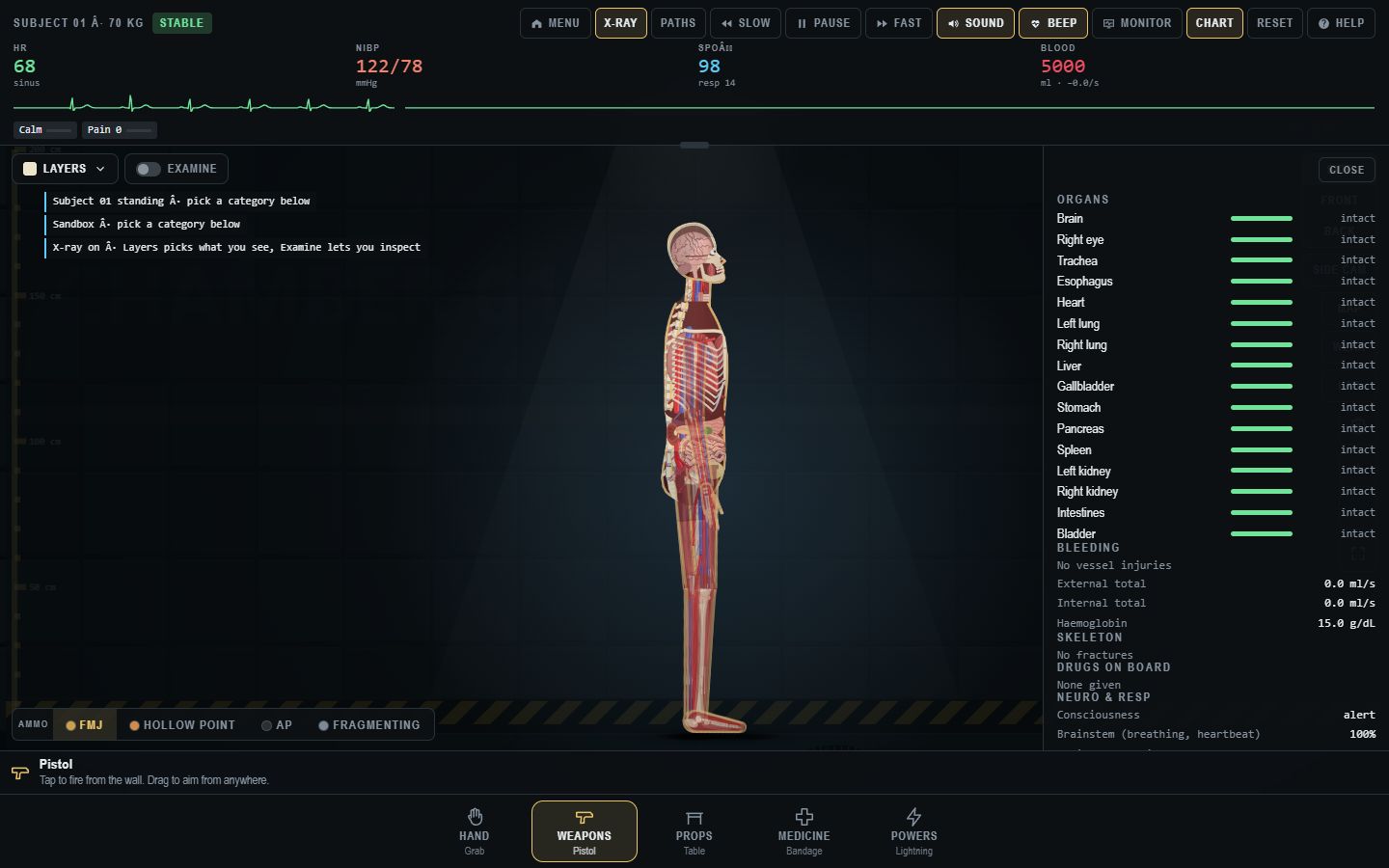
Look for an open What's New notice, Options dialog, Chart panel, or item picker. Close it using its own button. Check whether Pause is active. Then try a simple view switch from Side to Front. If the view changes, the game is responding and the earlier click may have been blocked by an overlay or an item interaction rule. Use the controls guide to find the active panel and tool prompt.
The running scene stutters
Reset to a clean Sandbox scene and repeat one action that caused the slowdown. If the clean scene is smooth, many props, bodies, wounds, effects, or open views may be contributing. If it is slow from the start, check the graphics settings and device conditions. Change one thing at a time so you can tell what helped.
In the v1.21 performance notes, Options → Graphics → Performance offered Quick setup presets named Best looks, Balanced, and Max speed. The creator recommended Balanced for a lagging phone. If those choices still appear in your build, try Balanced in a clean scene and repeat the same action. If it is still too slow, try Max speed. Do not assume that an older menu path remains unchanged in every release.
The developer also listed resolution, skin and wound detail, blood and gore amount, physics precision, frame-rate limit, and drawing-path choices in the v1.21.2 post. A lower resolution or detail setting may improve responsiveness but make small visual features harder to inspect. Start with a preset; only change individual controls if you need a more specific tradeoff.
Test the same situation twice
- Note the build, platform, browser, device, mode, and graphics preset.
- Reset the scene and choose one action that previously stuttered.
- If available, note the frame counter before and during the action.
- Change to Balanced or another visible preset, reset, and repeat the same action.
- Record whether the slowdown occurred during input, animation, or after effects accumulated.
This comparison is more useful than a screenshot of a frozen frame. The creator's performance post asks for device, action, and frame-rate details when reporting remaining lag. Published frame-rate gains describe the developer's test hardware, not a target every player should reach.
What the older optimization explains
The v1.21.2 update says repeated redrawing of skin and wound graphics made some heavy scenes expensive. The developer describes caching parts of that rendering and reducing unnecessary redraws and sound work. That history helps explain why an older cached build or a crowded scene might behave differently. It does not identify the cause of every new slowdown, especially after later releases changed the game again.
If a clean scene remains unusable after checking visible settings, report the exact sequence and version to the developer through the official page. Avoid installing an unofficial “fix” from a comment or treating another player's hardware result as a guarantee for yours.
Sources and next steps
Settings and optimization claims come from the creator's v1.21.2 performance update and v1.21 free release notes. The official listing was checked on 13 November 2026 for available download versions. We did not measure performance in the newer embedded browser build. For a clean comparison method, see the experiment workbook.
Trauma Lab is in development. Check the official game page and developer updates for current availability and changes. This independent guide discusses a fictional game, not medical practice.