



01 / @traumalabgameOpen on TikTok ↗
Trauma Lab · browser game18+ · graphic content
Press Play to load the game.
More games
Explore another browser gameThe anatomy and physics sandbox
Curiosity meets consequence.
Trauma Lab lets you explore a reactive body simulation with tools, modes, and a patient monitor. Start playing above, then use this guide to find your bearings.
 Original in-game artwork
AnatomyPhysicsTool experimentsPatient monitor
02 / From the game
Inside the lab.
Seven views of the modes, tools, and anatomy sandbox. Select a picture to see it full size.
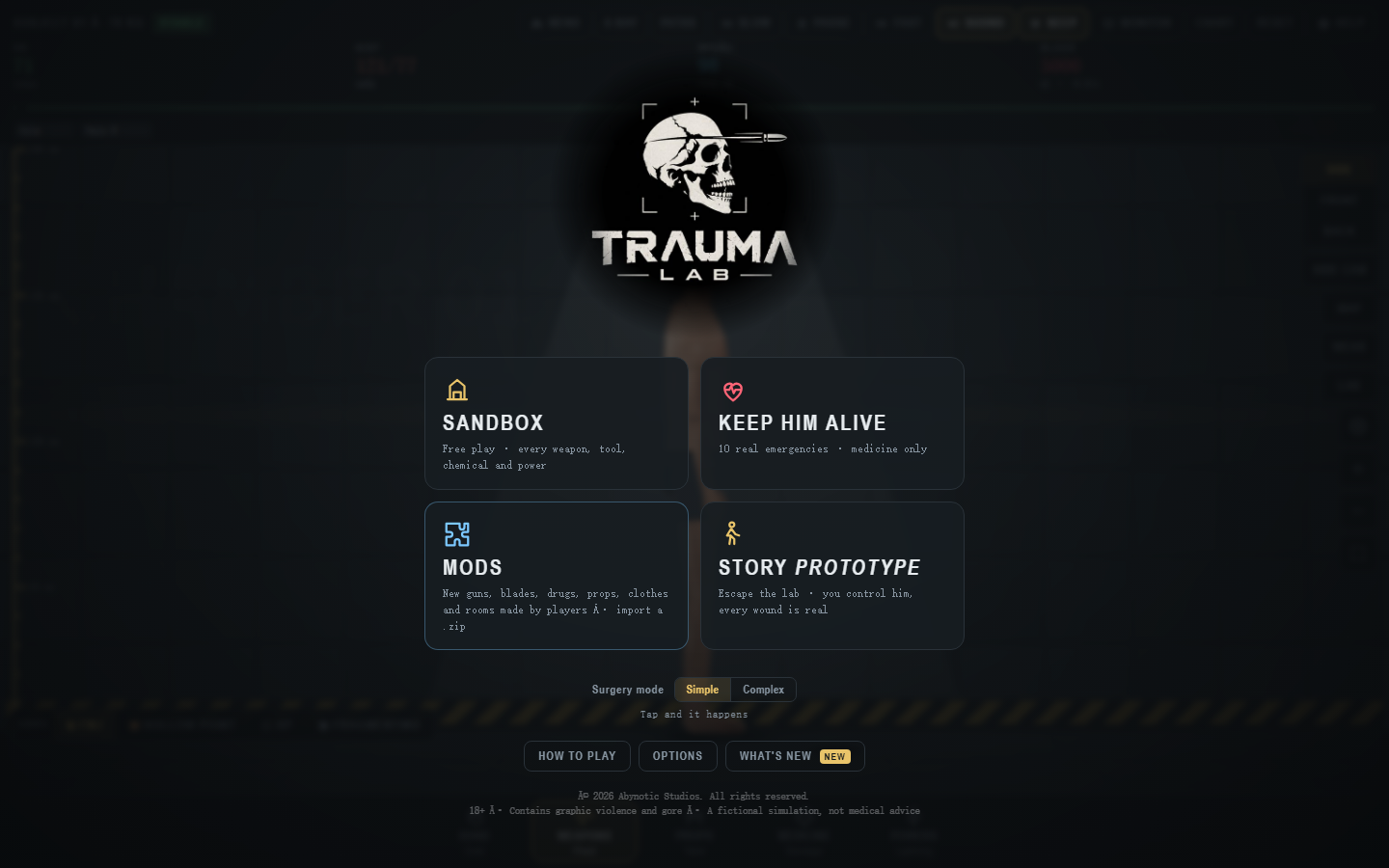
Pick Sandbox, Keep Him Alive, Mods, or the Story Prototype.
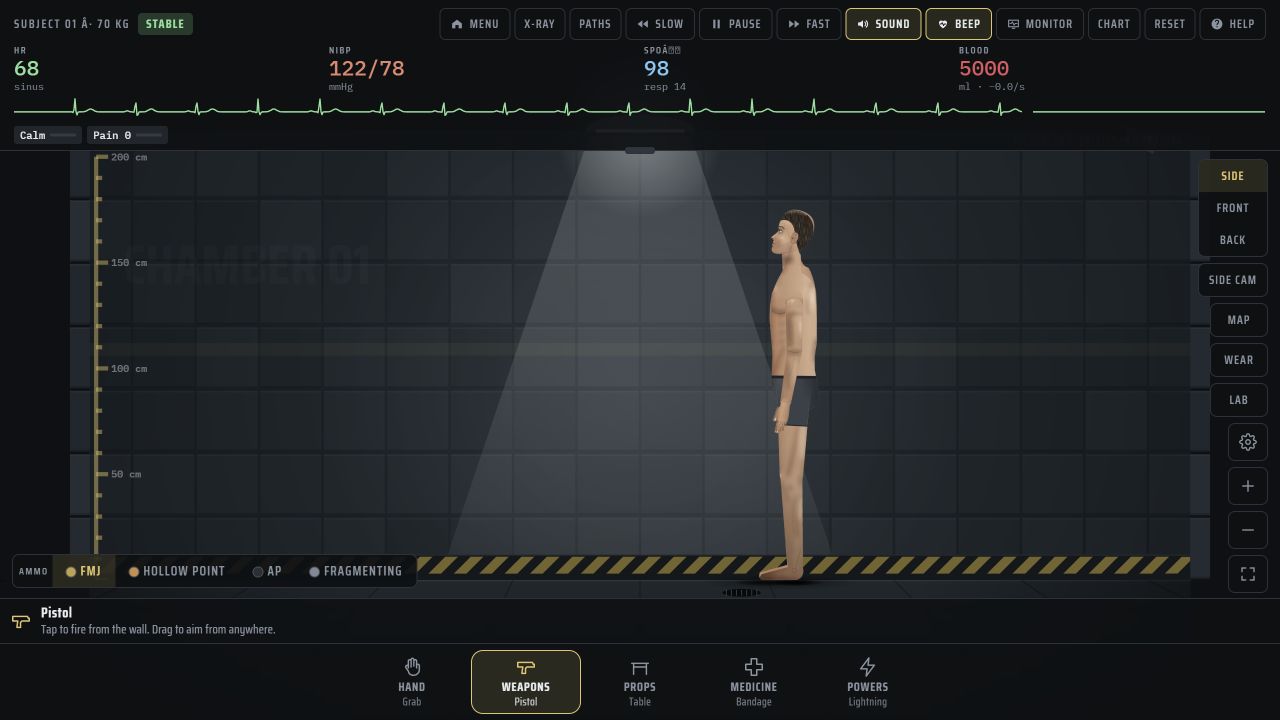
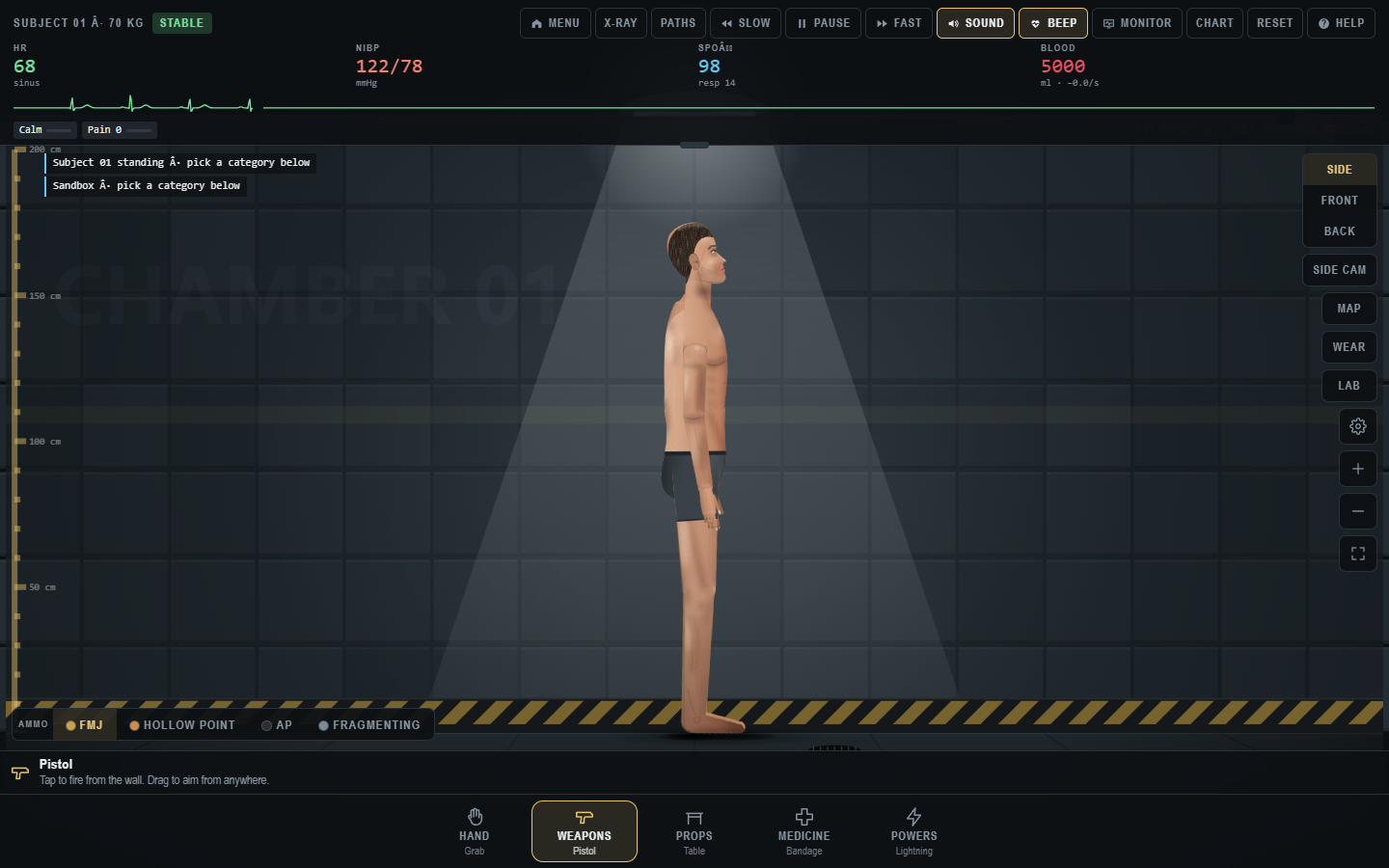
Explore tools while the patient monitor tracks the subject.
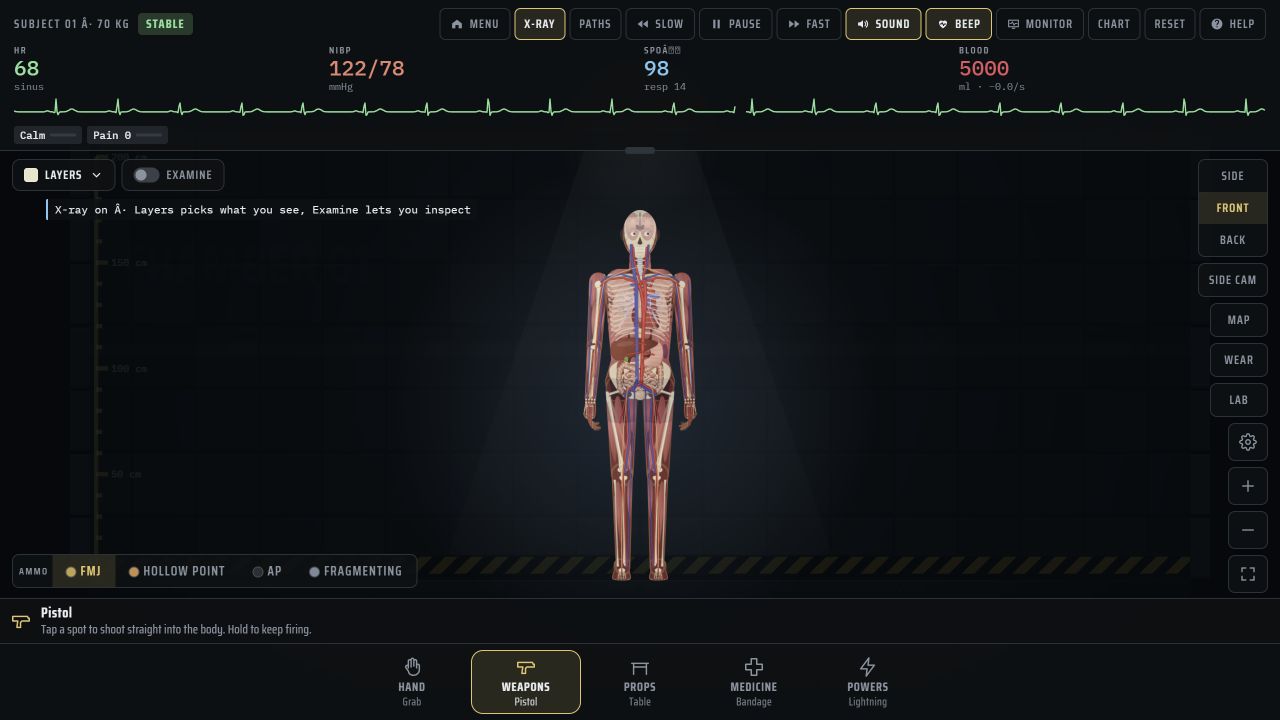
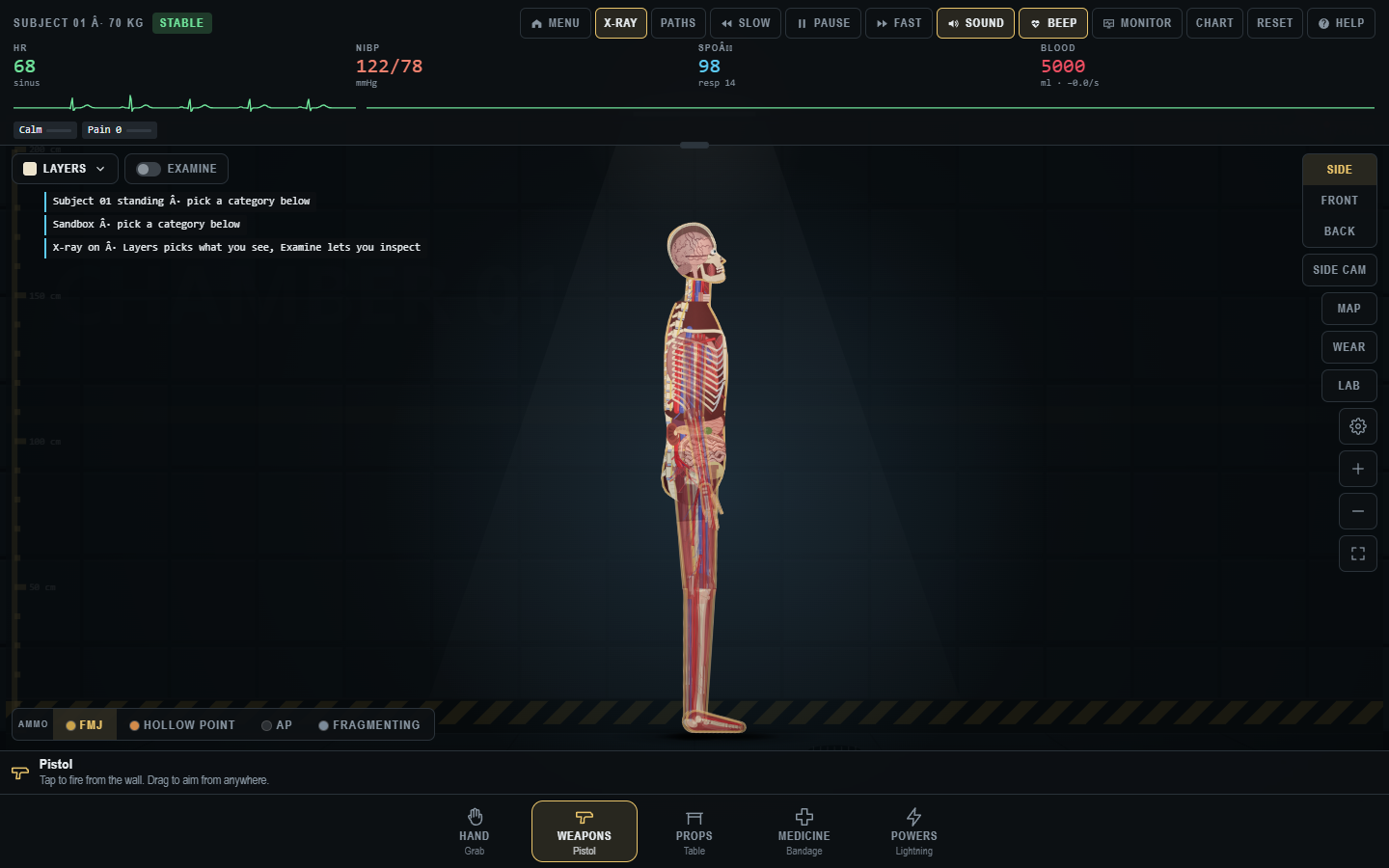
Switch to the front view and reveal the simulated body layers.
The subject responds to injuries and changes pose.
A new electric tool changes the subject's movement.
A beam and injury label show the game's feedback.
See one of the outfit options in the front view.
The four update details come from the creator's v1.21 release artwork. The Sandbox and X-ray pictures were captured from the playable browser build.
03 / Watch the game
Trauma Lab videos.
Watch these clips from @traumalabgame here, or open them on TikTok.
Inside the session01 — 03
01
Choose a modeStart in Sandbox to explore freely.
02
Pick a toolBrowse categories and follow the game prompts.
03
Watch the responseRead the monitor as the simulation changes.
04 / The game
A sandbox built for experimenting.
Trauma Lab combines anatomy and physics in a fictional simulation. Actions affect the body and its on-screen readings, making each session a chance to explore how the systems respond.
The game is still developing, so its controls and available features may change.
Explore how to play05 / Before you play
How to get started.
Start with a mode, try one tool at a time, and watch how the simulated body responds.
01
Choose a mode
Sandbox is a free-play starting point. The game also offers Keep Him Alive, Mods, and a Story Prototype.
02
Find a tool
Browse the category bar and use the on-screen prompts to choose and apply a tool.
03
Watch the monitor
Read vital signs and wound information, then reset to try another experiment.
Do I need to install it?
No. Press Play in the game frame above to load the browser build.
Which mode should I try first?
Sandbox is the free-play mode. It is a useful place to learn the tools and monitor before trying other modes.
Is it suitable for everyone?
No. Trauma Lab depicts graphic fictional injuries and is intended for adults.
Ready to begin?
Play Trauma LabStep into the lab.
Play directly in your browser.